Getting our bearings
Booting into Noctis lands you in the Stardrifter, a small but dependable ship that is well equipped for traversing the Feltyrion galaxy.
You can move around the Stardrifter with the mouse. To look around more fully, you can hold the right mouse button and drag. The right mouse button is actually the most common input: double-clicking it is the primary means of selecting a variety of in-game features. This is one of many small quirks that are easy to forget as you play the game for the first few times, but, as you gradually remember them, make you feel like a wizard.
The Stardrifter has a few windows from which you can watch the galaxy drift by. Projected onto the main windshield is a type of heads-up display, or HUD. You can use the HUD by looking and clicking, which I don't recommend, or by using the numpad, which I do. Abbreviated versions of the controls can be found in the game's top bar. Before you have the combinations memorized, I find the clearest navigation is achieved by using the numpad while watching the full menu unfurl on the HUD.
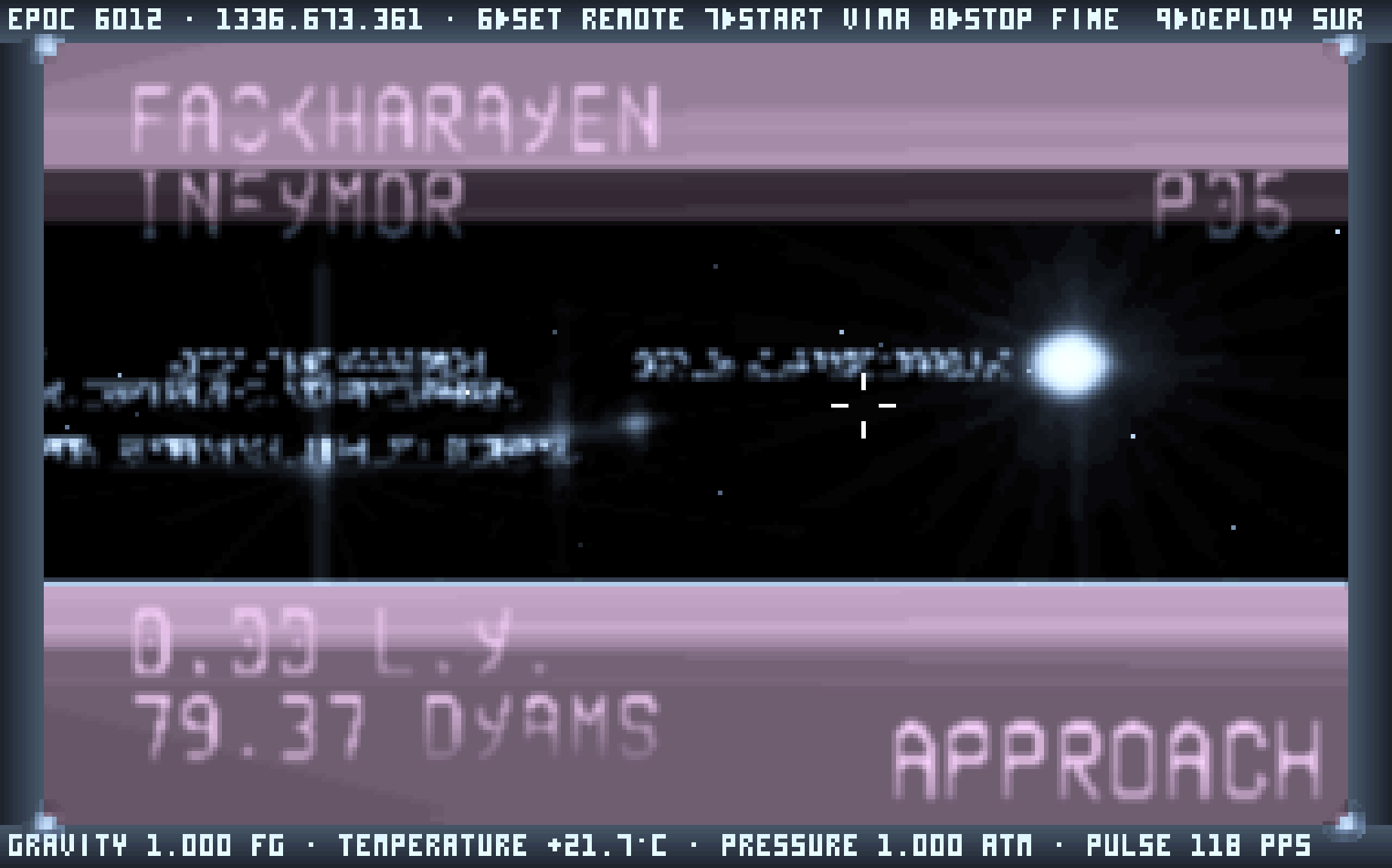
The first activity of the game is to point the Stardrifter at a star. This sequence looks like: 1 for FLIGHT CONTROL, 6 for REMOTE TARGET, mouse around to select, double right-click for star select, and 7 for VIMANA. Vimana drive is a particularly powerful propulsion system that can launch you many centidyams across the galaxy. The ship also has a roof, where you can enjoy your destination coming into view.
The cabin of the Stardrifter floods with light as you approach the selected star. Upon arrival, you are now close enough to study and visit the nearby planets. The control sequence for this looks like: 1 for FLIGHT CONTROL, 8 for LOCAL TARGET, mouse around to select, double right-click for planet select, and 8 for FINE TUNE. As the Stardrifter enters the planet's local orbit, the surface will come into view.
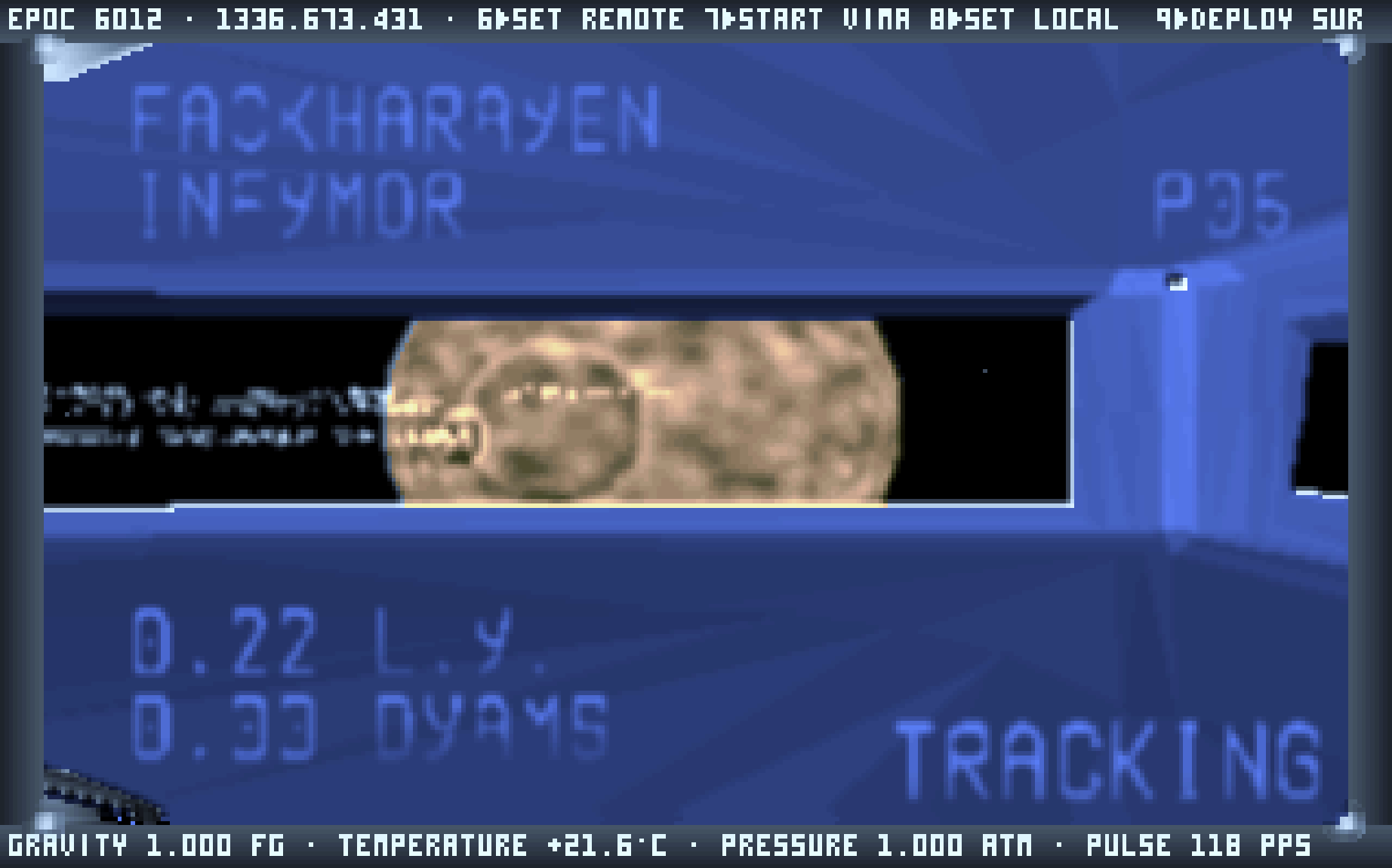
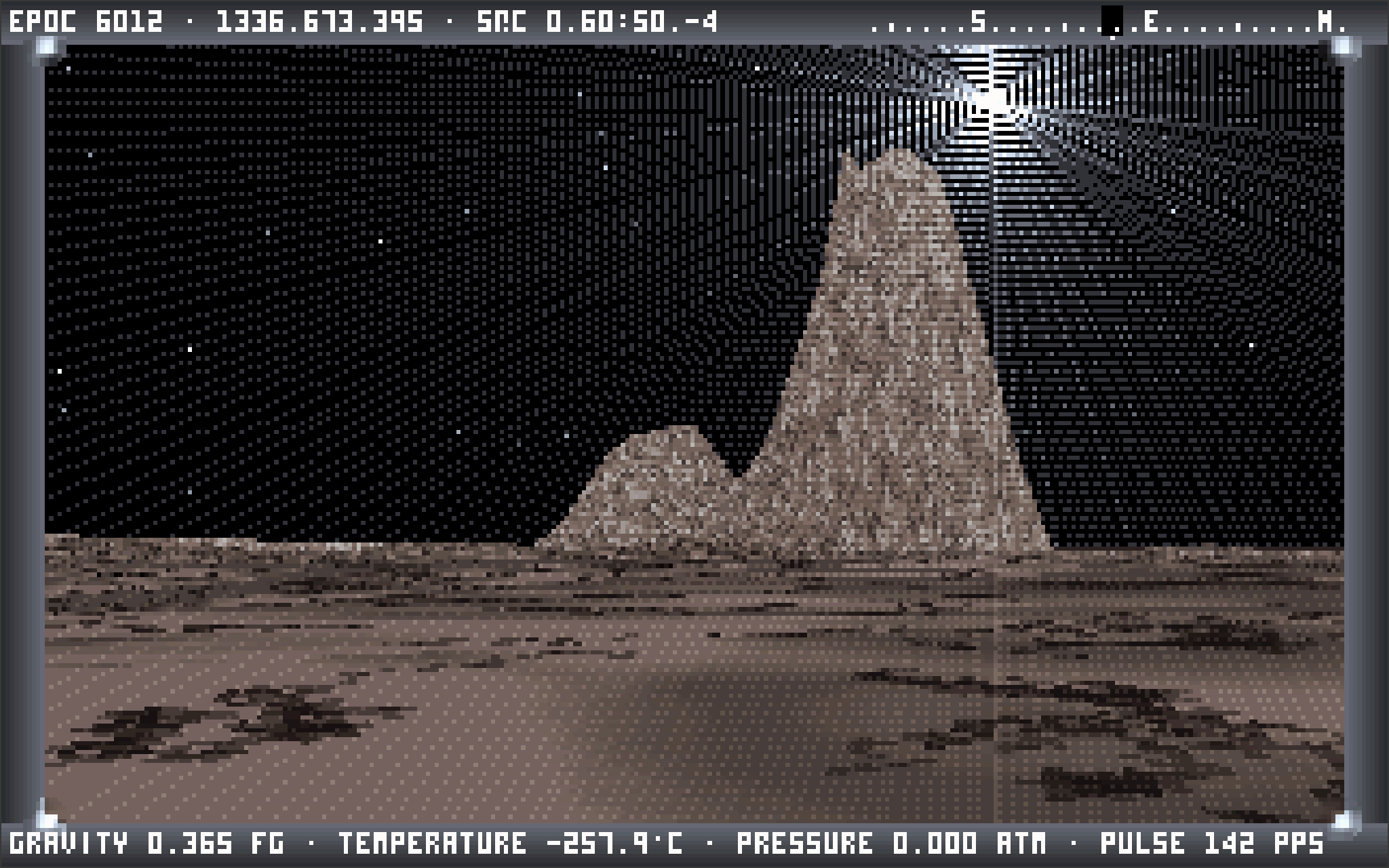
To visit, you can prepare the LANDING POD with 9, visit the site selection screen on the ship's starboard wall, arrow key for a spot of interest, and hit return to dispatch the landing pod. What awaits you is a vast, procedurally generated surface. There are many types of stars and many types of planets that I will not spoil for you here. I continue to find new permutations after all these years. I do think the planet surfaces are among the most beautiful and intriguing pieces of digital art ever created.
I will offer a perfunctory warning that there are no quests or deliverables, aside from occasionally refueling your ship at a certain type of star. There are no notifications. Within a few hops, it is easy to find yourself on a planet that no computer has yet rendered, and that you may never find again (unless you take good notes!).
If this all sounds a little esoteric, it is. But behold what strange and beautiful wonders await you...
There is a wonderful manual written by MopedSlug and Ryan J. Bury, which you can find at: The Unofficial Noctis IV CE R11.x Users Manual.